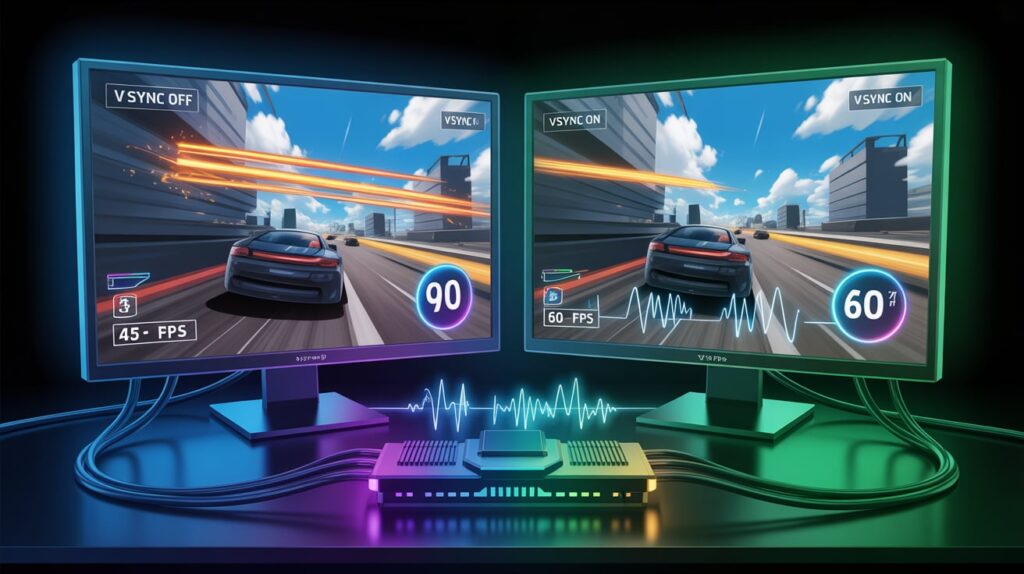
If you play video games, watch PC performance videos, or tweak graphics settings, you’ve probably seen VSync and wondered what it actually does. Some people swear by it. Others say it ruins performance.
The confusion comes from how VSync works behind the scenes and how it affects gameplay, visuals, and responsiveness. Understanding it helps you make smarter choices for gaming, streaming, or everyday computer use.
This guide breaks down what VSync does, how it’s used, when it helps, when it hurts, and what gamers really mean when they talk about it.
Definition & Core Meaning
VSync stands for Vertical Synchronization.
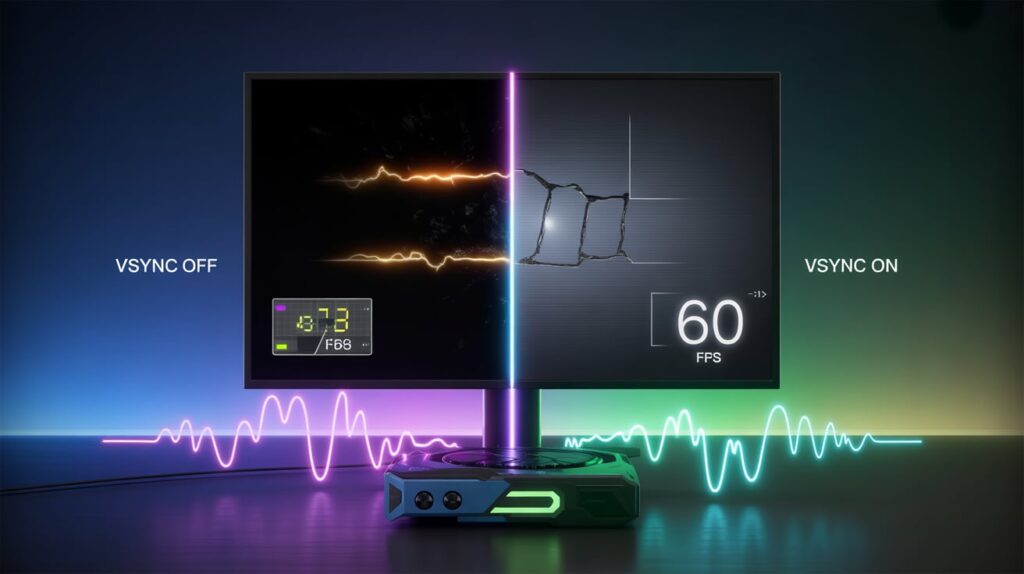
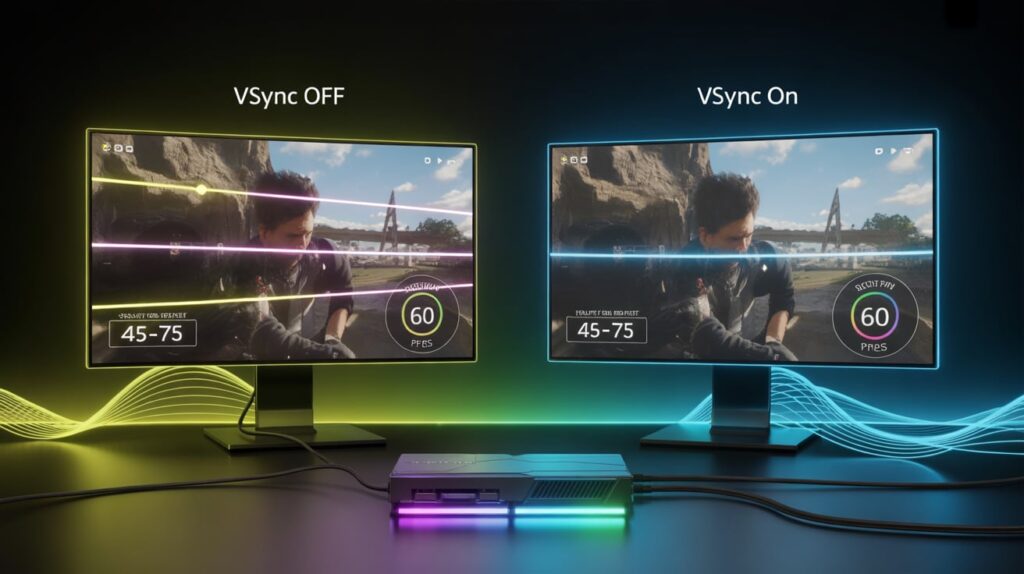
At its core, VSync is a graphics setting that synchronizes your game’s frame rate with your monitor’s refresh rate to prevent visual issues like screen tearing.
Simple Definition
“VSync makes sure your GPU and monitor stay in sync so images display smoothly.”
Core Meanings Explained
- Frame synchronization – Aligns frames sent by the GPU with the monitor’s refresh cycle
- Screen tearing prevention – Stops partial frames from appearing
- Visual smoothness – Creates cleaner, more stable visuals
- Performance trade-off – May increase input lag or reduce FPS
Simple Examples
- “Turn on VSync if you see horizontal screen tearing.”
- “My FPS dropped after enabling VSync.”
- “Competitive players usually turn VSync off.”
Historical & Technical Background
Early Graphics Era
In the early days of CRT monitors, screen tearing existed but was less noticeable due to motion blur and analog display behavior.
Rise of LCD & High-FPS Gaming
When LCD monitors and powerful GPUs became common, games started producing more frames than monitors could display, causing visible tearing lines.
VSync was introduced as a software solution to this mismatch.
Evolution Over Time
- Early VSync: Hard FPS caps (30 or 60)
- Modern VSync: Adaptive, Fast Sync, Enhanced Sync
- Advanced alternatives: G-Sync, FreeSync
VSync became a foundational concept in modern graphics pipelines, influencing how newer sync technologies were built.
Emotional & Psychological Meaning (Yes, It Matters)
While technical, VSync also affects how games feel.
Visual Comfort
- Reduces eye strain caused by tearing
- Makes motion appear smoother and calmer
- Improves immersion in story-driven games
Control & Responsiveness
- Can add input lag, affecting reaction time
- Competitive players may feel “disconnected” from controls
Mindset Impact
- Casual gamers value smoothness
- Competitive gamers value responsiveness
- Streamers balance visuals and latency
Your preference often reflects how you emotionally experience games, not just performance numbers.
Different Contexts & Use Cases
Gaming (Single-Player)
VSync works well for:
- RPGs
- Adventure games
- Simulation games
- Cinematic experiences
Smooth visuals matter more than reaction speed.
Competitive Gaming
VSync is usually avoided in:
- FPS esports
- MOBA games
- Fighting games
Input lag can cost matches.
Streaming & Recording
- Helps prevent visual artifacts
- Creates cleaner footage
- Often combined with frame limiters
Everyday Computer Use
- Reduces tearing in scrolling or video playback
- Useful on older monitors
- Less critical on modern adaptive displays
Hidden, Sensitive, or Misunderstood Meanings
Common Misunderstandings
- ❌ “VSync improves FPS”
- ❌ “VSync is always bad”
- ❌ “VSync equals G-Sync or FreeSync”
What People Get Wrong
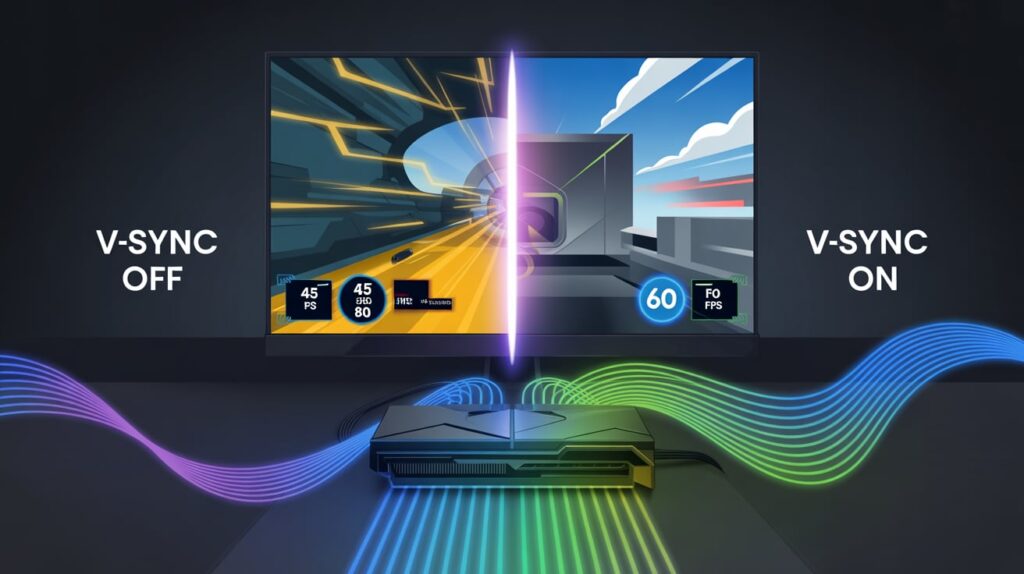
- VSync does not increase performance
- It can cause FPS drops to half (60 → 30)
- Input lag depends on implementation
When Meaning Changes
- On 60Hz monitors, VSync is more noticeable
- On high-refresh displays, downsides are reduced
- With adaptive sync, VSync becomes less necessary
Comparison Section
| Feature | VSync | G-Sync | FreeSync | Frame Limiter |
|---|---|---|---|---|
| Prevents screen tearing | Yes | Yes | Yes | Partial |
| Input lag risk | Medium | Low | Low | Very Low |
| Requires special hardware | No | Yes (NVIDIA) | Yes (AMD) | No |
| FPS stability | Moderate | High | High | Adjustable |
| Cost | Free | Expensive | Low | Free |
Key Insight:
VSync is the simplest solution, but adaptive sync technologies offer smoother results with fewer downsides.
Popular Types & Variations of VSync (10 Types)
1. Standard VSync
Locks FPS to refresh rate. Most common and basic form.
2. Adaptive VSync
Turns off automatically when FPS drops below refresh rate.
3. Fast Sync (NVIDIA)
Reduces tearing without traditional VSync lag.
4. Enhanced Sync (AMD)
Similar to Fast Sync but for AMD GPUs.
5. Triple Buffering
Uses extra frame buffers to reduce stuttering.
6. Half-Refresh VSync
Locks FPS at half the monitor’s refresh rate (30 on 60Hz).
7. Driver-Level VSync
Controlled via GPU software instead of in-game.
8. Engine-Level VSync
Integrated directly into the game engine.
9. Mobile VSync
Optimized for power efficiency on phones and tablets.
10. Emulated VSync
Used in emulators to maintain original game timing.
How to Respond When Someone Asks About VSync
Casual Responses
- “It stops screen tearing.”
- “It syncs your FPS with your monitor.”
Meaningful Responses
- “VSync balances visual smoothness and performance.”
- “It’s good for single-player, bad for competitive play.”
Fun Responses
- “VSync keeps your GPU from arguing with your monitor.”
- “It’s like traffic control for frames.”
Private / Technical Responses
- “It introduces frame pacing control but increases input latency under load.”
Regional & Cultural Differences
Western Gaming Culture
- Competitive players avoid VSync
- Casual gamers enable it for visuals
- Heavy focus on latency metrics
Asian Gaming Culture
- High refresh rate monitors dominate
- Adaptive sync preferred
- VSync used mainly in mobile gaming
Middle Eastern Markets
- Mixed hardware setups
- VSync popular for budget builds
- Emphasis on stability
African & Latin Regions
- Older hardware common
- VSync helps reduce visual artifacts
- Performance optimization prioritized
FAQs About VSync
What does VSync do exactly?
It synchronizes your GPU’s frame output with your monitor’s refresh rate to prevent screen tearing.
Does VSync reduce FPS?
Yes, it can cap or lower FPS to match the display’s refresh rate.
Is VSync bad for gaming?
Not always. It’s great for casual gaming but less ideal for competitive play.
Should I turn VSync on or off?
Turn it on for smooth visuals, off for lowest input lag.
Is VSync the same as G-Sync or FreeSync?
No. VSync is software-based, while G-Sync and FreeSync are adaptive hardware solutions.
Does VSync cause input lag?
It can, especially when FPS fluctuates below the refresh rate.
Conclusion
VSync is neither good nor bad by default. It’s a tool, and like any tool, its value depends on how and where you use it.
For smooth, cinematic gameplay, VSync delivers cleaner visuals and comfort. For competitive speed and precision, it may feel restrictive. Understanding what VSync does allows you to tailor your experience instead of relying on myths or defaults.
When visuals and performance feel right, gaming becomes more enjoyable—and that’s the real goal.
See also: What Does Refresh Rate Mean in Gaming?